Koala Content Calendar Autopilot - Setup, Safeguards and Best Uses (2026)
Looking for the best offer for Koala AI?
Content Calendar Autopilot, launched in August 2026, plans a batch of articles, writes them with KoalaWriter and publishes them to your linked CMS on a schedule. It's available on the Boost plan ($99 a month) and above.
It's the most hands-off way to run Koala. We'd still start by publishing as drafts until you trust the output.
What Autopilot Actually Does
Autopilot connects three steps that usually happen separately: deciding what to write, writing it, and publishing it on a regular schedule.
- Plan: Koala builds a batch of article topics for your brand.
- Write: KoalaWriter generates each article using your brand settings.
- Publish: articles go to your linked CMS on the schedule you set.
For publishers who struggle with consistency, this is the main appeal. A steady publishing rhythm builds topical coverage over time, and Autopilot keeps that rhythm going even during busy weeks.
Who Autopilot Is For
Busy Site Owners
You know your niche and settings work, but you don't have time to queue articles every week.
Local Businesses
You want a steady flow of helpful posts that use your Brand DNA details, without managing a writer.
Agencies
You manage several client brands and want predictable publishing per client.
Not for Beginners
If you haven't reviewed a dozen Koala drafts yet, start with manual writing first.
How to Set up Autopilot
Autopilot depends on good foundations. Set these up first, and the scheduled content will be much stronger.
- Complete Brand DNA. Import your services, tone, credentials and contact details.
- Set brand writer defaults. Choose model, tone, point of view, language and formatting.
- Connect your CMS. Link WordPress, Shopify, Webflow or Ghost to the brand.
- Bind KoalaLinks. Attach your domain so internal links are added automatically.
- Choose draft or live publishing. Start with drafts.
- Set your cadence. Pick a schedule you can realistically review.
Our guides to Brand DNA and KoalaWriter settings cover the foundations.
Draft Mode vs Auto-Publish
Koala's integrations let you publish articles as drafts or auto-publish per brand. This is the most important choice you'll make with Autopilot.
| Mode | How it works | Best for |
|---|---|---|
| Draft | Articles land in your CMS unpublished | Anyone who wants to review, add examples and check facts |
| Auto-publish | Articles go live on schedule | Experienced users with proven settings and low-risk topics |
We'd use draft mode for at least the first month. Review every article, note the edits you keep making, and turn those into Article Instructions or Brand DNA updates. Only then consider auto-publishing, and avoid it entirely for health, finance or legal topics.
Autopilot starts on the Boost plan. Test Koala's writing quality on the free plan before committing.
Try Koala FreeChoosing a Sensible Publishing Cadence
More isn't always better. A cadence you can review keeps quality high and avoids looking like mass-produced content.
- Small site or local business: two to four articles a week.
- Growing niche site: one article a day if you can review them.
- Agency client: match the client's content plan and approval process.
Boost's 250,000 monthly words cover roughly 125 base-model articles of 2,000 words, far more than most sites should publish. Use the spare allowance for rewrites and updates rather than volume for its own sake. Our guide on how many blog posts to publish per week covers this in depth.
Autopilot and the SEO Agent
Boost also includes uncapped SEO Agent messages. The agent reads your Search Console data, recommends topics and can queue articles, which pairs naturally with Autopilot.
A practical routine: ask the agent each month which queries have impressions but weak positions, add those topics to your plan, and let Autopilot handle writing and scheduling. That keeps scheduled content tied to real search demand. See our SEO Agent guide.
What Autopilot Doesn't Replace
Autopilot handles scheduling and production, but a few jobs stay with you. It can't add your first-hand experience, photos from your own work or opinions only you can give. It also can't decide your business priorities, such as which services or products matter most this quarter.
Think of it as a reliable production assistant. You set direction and quality standards; Autopilot keeps the work flowing between your reviews.
Safeguards We'd Always Use
- Start in draft mode and review every article for the first month.
- Keep real-time data on so drafts reflect current facts.
- Use Article Instructions to ban invented statistics and generic intros.
- Exclude sensitive topics such as health, finance and legal advice from auto-publishing.
- Audit monthly in Search Console and refresh or remove weak pages.
Reviewing Autopilot Output Each Week
Even with good settings, a short weekly review keeps quality high. We'd block 30 to 60 minutes once a week for it.
- Read each new draft's opening and confirm it answers the topic's main question.
- Check facts on any article mentioning prices, specs or dates.
- Add one original element per article, such as a tip, example or photo.
- Publish or schedule the approved drafts.
- Note recurring fixes and turn them into Article Instructions.
Over a few weeks, the number of fixes should drop as your instructions improve. That's the point where auto-publishing low-risk topics becomes reasonable.
Autopilot vs Bulk Mode
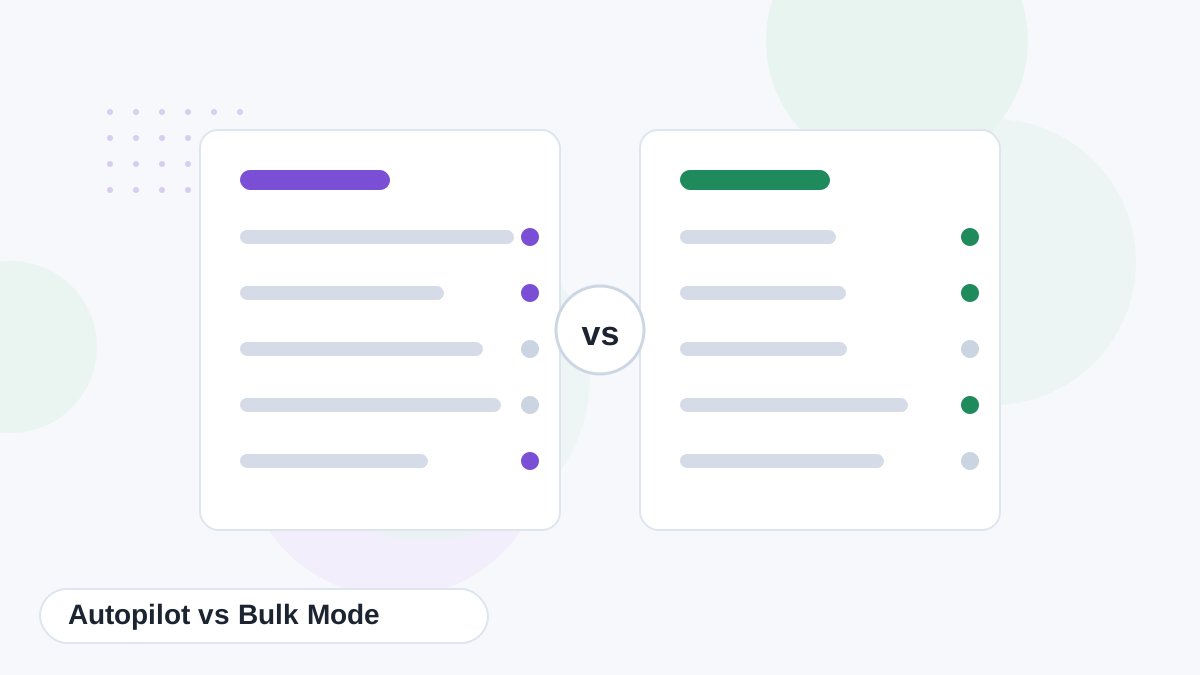
Bulk mode generates articles from a keyword list you provide, on any paid plan. Autopilot plans topics and publishes on a schedule, from Boost upward. If you prefer full control over topics, bulk mode is the better fit. If consistency is your biggest challenge, Autopilot solves it. Our bulk writing guide compares them in detail.
Let Koala Keep Your Publishing on Schedule
Start free, perfect your Brand DNA and settings, then upgrade to Boost when you're ready for scheduled, consistent publishing.
Try Koala Free