Content Calendar for SEO - Build a Publishing Plan Around Clusters and Data (2026)
A content calendar turns a keyword list into a schedule you can actually follow. Built around clusters and data, it keeps publishing steady and purposeful.
An SEO content calendar lists what you'll publish, when, which keyword each piece targets, and how it links to the rest of your site. Sequence content by cluster, start near revenue, set a pace you can review properly, and reserve time each month for refreshing older posts. A simple spreadsheet is enough for most sites.
What an SEO Content Calendar Is
A content calendar, sometimes called an editorial calendar, is a schedule of what you'll publish and when. An SEO calendar adds the search details: target keyword, intent, format, cluster and internal links.
Without one, publishing tends to happen whenever there's time, on whatever topic comes to mind. With one, every article has a reason to exist and a place in your site's structure.
The Columns You Need

| Column | What it tracks |
|---|---|
| Publish date | When it goes live |
| Title (working) | The planned headline |
| Primary keyword | The main search target |
| Intent and format | Guide, roundup, review, comparison |
| Cluster / hub | Which topic group it belongs to |
| Links to and from | Hub, siblings and money pages |
| Status | Planned, drafted, in review, published |
| Owner | Who drafts or reviews it |
| URL | Final address once published |
| Refresh date | When to review it next |
Small sites can start with fewer columns. The keyword, cluster, status and URL columns matter most.
Step 1: Start From Your Topic Map
A calendar is only as good as the plan behind it. Start with your clustered keyword list or topic map, where each row is one page with a clear purpose. Our topical authority and keyword clustering guides explain how to build that list.
Step 2: Sequence by Cluster
Publishing a cluster together helps search engines understand your coverage and lets internal links connect pages naturally from day one.
- Pick your first cluster, usually the one closest to revenue.
- Publish the hub or money page early so supporting posts have something to link to.
- Add supporting articles over the following weeks.
- Move to the next cluster once the first has solid coverage.
- Link new clusters back to related earlier pages.
Step 3: Set a Sustainable Pace
Choose a pace you can maintain while reviewing every article properly. Consistency matters more than bursts. Our guide to how many blog posts per week covers typical ranges.
| Situation | Pace | Posts per quarter |
|---|---|---|
| Solo owner, part time | 1–2 per week | 13–26 |
| Small team or dedicated blogger | 3–5 per week | 39–65 |
| Content team with AI drafting | 5–10 per week | 65–130 |
Step 4: Plan for Seasonality
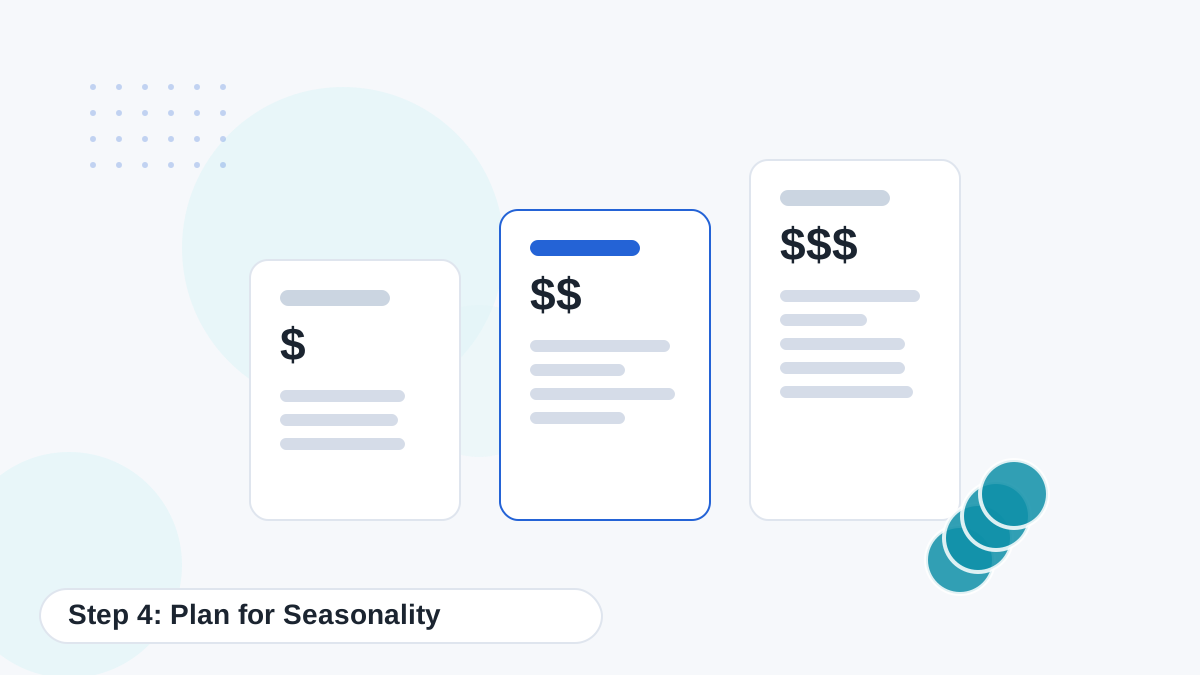
Many topics have seasonal peaks: gift guides before holidays, tax content before deadlines, garden topics in spring. Publish seasonal content well ahead of the peak, often six to ten weeks, so it has time to be indexed and start ranking.
Step 5: Schedule Refreshes
Refreshing older content is often more valuable than publishing something new. Reserve part of each month for updates, especially for money pages and posts ranking just off page one.
Quarterly
Money pages, roundups and pricing content.
Twice a Year
Core guides and comparisons.
Yearly
Evergreen explainers that change slowly.
As Needed
Pages with dropping traffic or outdated facts.
See updating old posts with AI for a refresh workflow.
Koala's content calendar and Autopilot can schedule drafts for review. Try planning your first month on the free plan.
Try Koala FreeUsing AI to Fill and Run the Calendar
AI helps at almost every stage of the calendar.
- Brainstorming: generate topic ideas for each cluster, then validate them.
- Briefs: draft a brief for each calendar row.
- Drafting: generate articles a week or two before their publish date.
- Scheduling: tools like Koala can schedule drafts and publishing.
- Analysis: suggest refreshes and new topics from Search Console data.
Koala's content calendar lets you plan and schedule articles, and Autopilot on Boost and above can generate drafts on a schedule. We'd start with drafts sent for review rather than automatic publishing. See Koala content calendar and Autopilot.
A Simple Monthly Routine
- Week 1: review last month's results and choose next month's topics.
- Week 2: write briefs and generate drafts.
- Week 3: edit, fact-check and schedule.
- Week 4: refresh older posts and update internal links.
Keeping the Calendar Flexible
A calendar is a plan, not a contract. If Search Console shows an unexpected query gaining impressions, or a competitor publishes something that changes the landscape, adjust. Leave a little space each month for opportunities you didn't predict.
Tools for Content Calendars
A spreadsheet works well for most sites. Project tools like Trello, Notion or ClickUp help teams with assignments and status. Some AI writers include built-in calendars, which can reduce the number of tools you need. Choose whatever your team will actually keep updated.
Common Calendar Mistakes
- Scheduling more than you can review properly.
- Scattering topics across unrelated clusters.
- Forgetting seasonal lead time.
- No time reserved for refreshes.
- Never checking results before planning the next month.
Example: One Month for a New Niche Site
| Week | Publish | Refresh |
|---|---|---|
| 1 | Hub page plus two supporting guides for cluster 1 | None yet |
| 2 | Money page (roundup) plus one comparison | Add links from week-1 guides to the roundup |
| 3 | Two problem/troubleshooting posts | Check indexing of week-1 posts |
| 4 | One review plus one how-to | Update the hub with links to all new posts |
By the end of the month, one cluster has solid coverage, every page links logically to the others, and the next month can start on cluster two with a clear foundation in place.
Reviewing the Calendar Each Quarter
Every three months, step back and look at the bigger picture. Which clusters are gaining impressions? Which pages are stuck? Are there topics in your plan that no longer make sense? Use the answers to reorder the next quarter, adding depth where you're gaining traction and dropping ideas that no longer fit your audience or goals.
That quarterly review keeps the calendar tied to real results instead of the assumptions you made when you first planned it.
Plan, Draft and Schedule in One Place
Koala combines drafting with a content calendar, so your plan turns into reviewed articles on schedule. Start on the free plan.
Try Koala Free