Internal Linking for SEO - How to Connect Pages for Readers and Rankings (2026)
Internal links are one of the few ranking levers you fully control. Planned well, they guide readers to the next useful page and show search engines what matters.
Build a clear structure of hubs and clusters, link every page to its parent and a few relevant siblings, use descriptive anchor text, and create deliberate paths from informational content to your key commercial pages. Make sure no page is orphaned, update older posts when you publish new ones, and audit links a few times a year. AI tools can automate much of the routine linking.
Why Internal Links Matter
Internal links connect pages on your own site. They do three jobs at once:
Discovery
Search engines follow links to find and recrawl pages.
Understanding
Links and anchor text show how pages relate and what each one covers.
Priority
Pages that receive more internal links are signalled as more important.
Reader Flow
Good links guide readers to the next useful page, keeping them on your site.
Google's John Mueller has described internal linking as "super critical" for SEO, because it's one of the main ways you show which pages you consider important.
Step 1: Build a Clear Site Structure
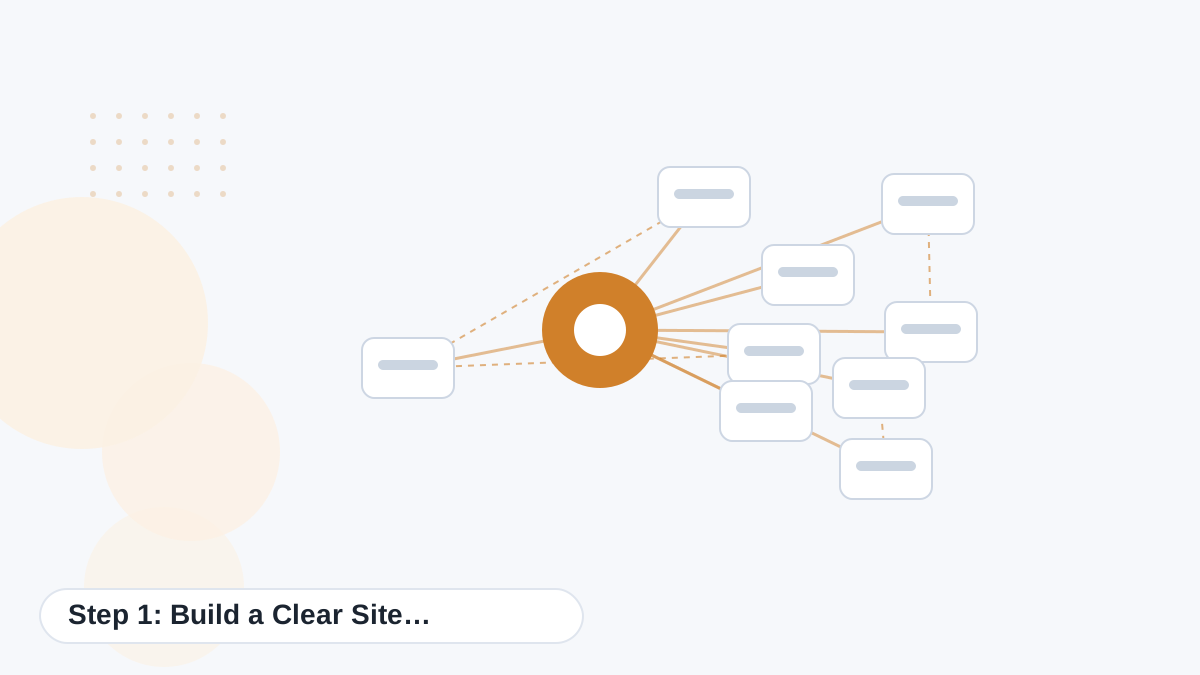
Internal linking starts with architecture. A simple pyramid works for most content sites:
| Level | Example | Links to |
|---|---|---|
| Homepage | Your main page | Main hubs and key pages |
| Hub pages | "Espresso Grinders" hub | Every page in the cluster |
| Cluster pages | "Burr vs Blade Grinders" | Hub, siblings and money page |
| Money pages | "Best Espresso Grinders" | Reviews and the merchant or offer |
Aim for every important page to be reachable within about three clicks from the homepage. Our topical authority guide explains how to plan hubs and clusters.
Step 2: Use the Right Types of Links
- Navigation links: menus and headers that point to main sections.
- Breadcrumbs: show where a page sits in the hierarchy.
- Contextual links: links within the body text, which carry the most meaning.
- Related reading: a short block at the end suggesting the next useful pages.
- Footer links: best kept to essential pages, since they appear everywhere.
Step 3: Write Descriptive Anchor Text
Anchor text is the clickable text of a link. It tells readers and search engines what to expect on the other side.
| Weak | Better |
|---|---|
| "click here" | "our guide to keyword clustering" |
| "this article" | "how to fact-check AI content" |
| "learn more" | "compare Koala's pricing plans" |
Vary your anchors naturally. Using the exact same keyword-rich phrase in every link looks forced and reads poorly.
Step 4: Build Link Highways
A link highway is a deliberate path that moves readers from early questions toward a decision. For an affiliate site, a highway might look like this:
- Problem guide: "Why is espresso sour?"
- Solution guide: "How to dial in grind size"
- Category decision: "Burr vs blade grinders"
- Money page: "Best espresso grinders for beginners"
- Offer: the recommended product or merchant
Each step links naturally to the next, so readers who need help find it, and readers ready to buy can reach the offer quickly.
Koala adds contextual internal links as it writes, once your domain is connected. Try the free plan.
Try Koala FreeStep 5: Link Supporting Content to Commercial Pages
Informational posts often attract most of a site's traffic, while commercial pages earn the revenue. Linking relevant supporting posts to your money pages passes both readers and relevance where they matter most.
Only link where it genuinely helps. A post about descaling a coffee machine might link to a guide on choosing a machine; it shouldn't link to an unrelated product just because it pays well.
Step 6: Avoid Orphan Pages
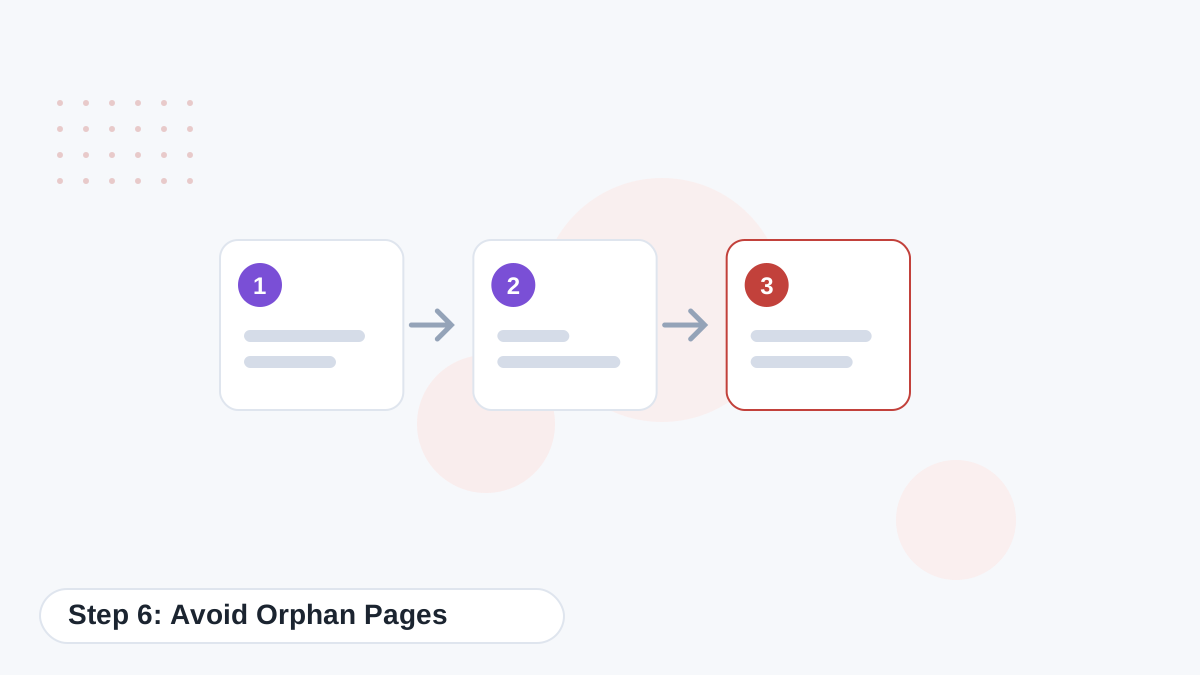
An orphan page has no internal links pointing to it. Search engines may struggle to find it, and readers never will. Every new page should be linked from at least its hub and one related page, and ideally from a few older posts.
Step 7: Update Older Posts
When you publish something new, go back to related older posts and add links to it. This helps new pages get discovered and indexed faster, and keeps older posts useful.
Koala Professional's KoalaLinks can automate this, adding relevant links to older posts across connected sites. See KoalaLinks.
How Many Internal Links per Page?
There's no fixed number. Link where it helps the reader. Many articles naturally include a handful of contextual links plus a related-reading section. Avoid stuffing dozens of links into a short post, and avoid linking every page to every other page, which dilutes meaning.
Auditing Your Internal Links
- Crawl your site with an SEO crawler to map links.
- Find orphan pages and add links to them.
- Fix broken links and redirect chains.
- Check click depth for important pages.
- Review anchor text for vague or repetitive phrases.
- Check money pages receive links from relevant supporting content.
A quarterly audit is enough for most sites.
Automating Internal Links With AI
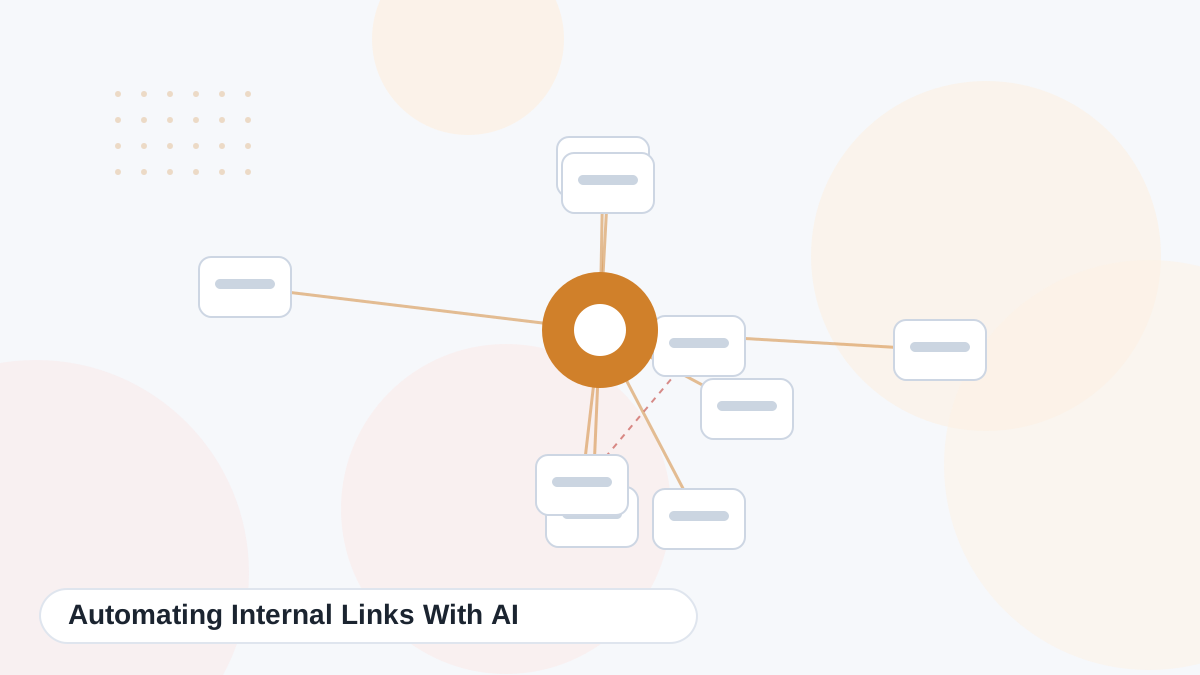
AI tools can suggest or insert internal links based on topic relevance. That saves a lot of manual work on larger sites. Review automated links occasionally to make sure anchors read naturally and links point to the best destination.
Koala inserts links during drafting once you add your domain, and KoalaLinks updates older content. Koala added internal linking for non-English content in 2026 too.
Common Internal Linking Mistakes
- Orphan pages with no incoming links.
- Generic anchors like "click here".
- Linking unrelated pages just to boost them.
- Important pages buried many clicks deep.
- Broken links after URL changes.
- Never updating older posts with links to new content.
Internal Linking Examples by Site Type
| Site type | Example highway |
|---|---|
| Affiliate site | Problem guide → solution guide → comparison → best-of roundup → offer |
| Local service business | Symptom guide → service explainer → local service page → call or booking |
| SaaS blog | Problem explainer → use-case guide → feature tutorial → comparison → free trial |
| Publisher | Topic explainer → related entity → deeper guide → related topic hub |
The structure changes by business model, but the principle stays the same: each link should take the reader one useful step closer to what they need.
Internal Links and Page Updates
When you change a URL, merge pages or delete content, update internal links straight away. Links that point to redirects or missing pages waste crawling and frustrate readers. A quick crawl after any structural change catches problems before they pile up.
Measuring Internal Linking
Search Console's Links report shows which pages receive the most internal links. Compare that list with your most important pages. If money pages or key guides receive few internal links while minor pages receive many, your linking priorities need adjusting.
Internal Linking for New Sites
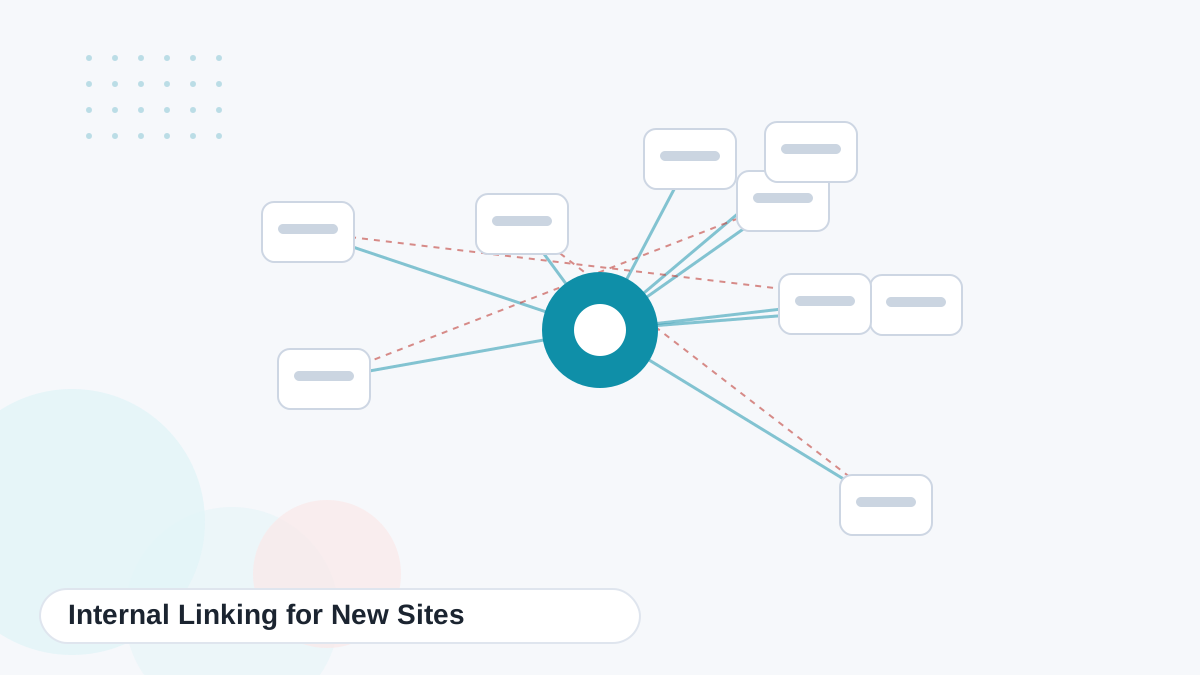
New sites have an advantage: you can plan links from the start rather than fixing them later. Publish a hub early, link every new article to it, and add sibling links as each cluster grows. Review links each time you finish a cluster. Getting the structure right early saves hours of audits later and helps search engines understand your site from the first crawl.
Add a link-planning column to your content calendar so every new article arrives with its hub, siblings and money page already decided.
That small planning habit keeps your whole site connected as it grows over time.
Connect Your Content Automatically
Koala adds contextual internal links as it writes, and KoalaLinks keeps older posts connected. Start on the free plan and add your domain.
Try Koala Free