Keyword Research for AI Content - Find, Validate and Prioritise Topics Worth Writing (2026)
When drafting is fast, choosing the right topics becomes the real skill. Good keyword research decides whether AI content earns traffic or disappears.
Use AI to brainstorm and expand topics, then validate them with real data: search results, Search Console, keyword tools and customer questions. Group keywords by intent, prioritise by value and difficulty, and only then generate content. AI is a brilliant research assistant but a poor source of search volumes, so never trust its numbers without checking.
Why Keyword Research Matters More With AI
Before AI writers, the bottleneck was writing. Now a draft takes minutes, so the bottleneck is deciding what to write. Publishing quickly on the wrong topics wastes effort and can clutter your site with pages nobody needs.
Good research makes every AI draft count. It also keeps you clear of near-duplicate pages, which are one of the most common problems on AI-built sites.
Step 1: Start With Seed Topics
Seeds are the broad subjects your site covers. For a home coffee site, seeds might be espresso machines, grinders, coffee beans and brewing methods.
Good sources for seeds:
- Your products, services or affiliate programs.
- Questions customers or readers ask.
- Categories competitors cover.
- Forums, communities and video channels in your niche.
Step 2: Expand Ideas With AI
This is where AI shines. Ask an assistant to generate questions, subtopics, comparisons and problems around each seed.
Question Prompts
"List 40 questions beginners ask about espresso grinders."
Problem Prompts
"What problems do people have with home espresso?"
Comparison Prompts
"What comparisons do buyers make when choosing a grinder?"
Audience Prompts
"How do needs differ for beginners, small kitchens and budget buyers?"
Treat the output as a brainstorm. AI suggests plausible topics, but some won't have real search demand, and its search volume estimates are often unreliable.
Step 3: Validate With Real Data
Every topic needs evidence that people actually search for it.
| Source | What it tells you | Cost |
|---|---|---|
| Google search results | Whether the topic exists as a search, and what ranks | Free |
| Autocomplete and "People also ask" | Related questions people type | Free |
| Google Search Console | Queries your site already appears for | Free |
| Keyword tools | Estimated volume, difficulty and related terms | Free tiers to paid |
| Customer questions | Real language and needs | Free |
Volume estimates vary between tools, so treat them as relative guides rather than exact numbers. A keyword with modest volume but clear buying intent can be worth far more than a high-volume informational term.
Step 4: Check Intent and Format
For each validated keyword, look at the search results to confirm what kind of page ranks. This decides the article type you'll generate and whether keywords can share a page.
Our search intent guide explains how to read the results page quickly.
Step 5: Cluster Your Keywords
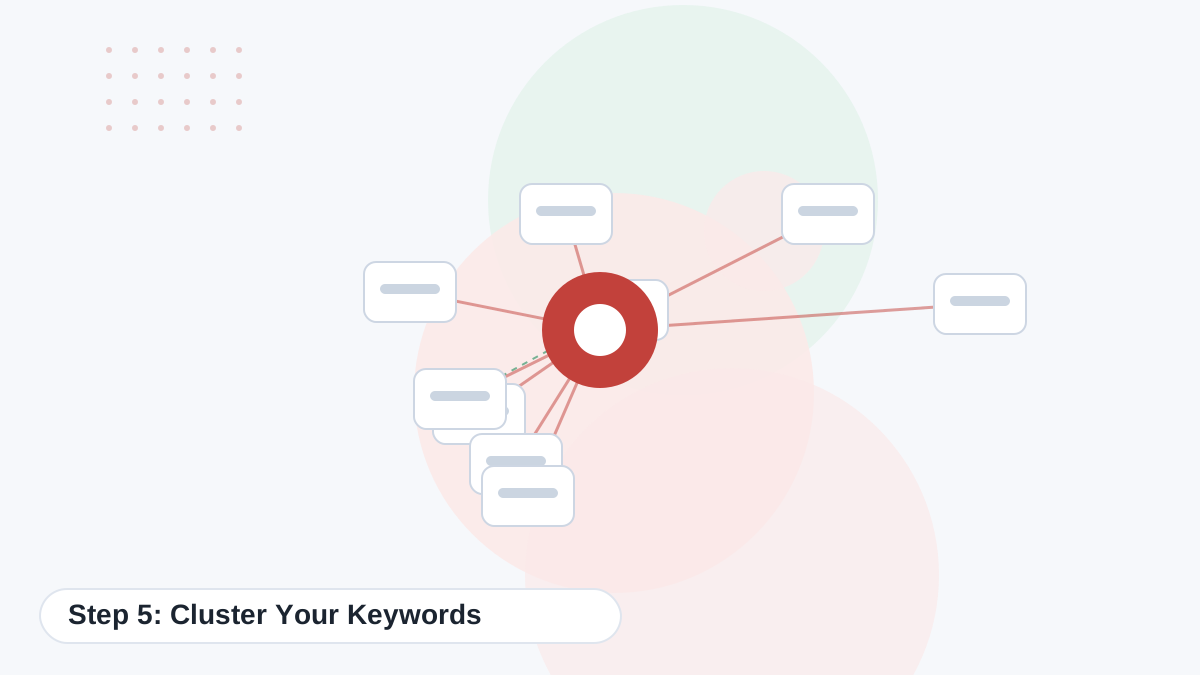
Group keywords that share intent and overlapping results into clusters. Each cluster becomes one page, and related clusters form a topic hub.
- Sort keywords by intent: informational, commercial, transactional.
- Group by meaning as a first pass.
- Check results overlap for close pairs.
- Assign one primary keyword per cluster.
- Map clusters to hubs so internal linking has a clear structure.
The keyword clustering guide covers thresholds and examples.
Once your clusters are planned, Koala's bulk mode can draft a whole cluster for review. Try the free plan first.
Try Koala FreeStep 6: Prioritise What to Write First
You can't write everything at once. Score each cluster on a few simple factors.
| Factor | Question | Score 1–5 |
|---|---|---|
| Business value | How close is this to a sale, lead or affiliate click? | Higher for commercial topics |
| Ranking chance | Do smaller or similar sites rank on page one? | Higher if yes |
| Demand | Is there clear evidence of searches? | Higher with more demand |
| Authority support | Does it strengthen a cluster you're building? | Higher if it fills a gap |
| Your edge | Can you add something competitors don't? | Higher with a real angle |
Many sites start with their most commercial pages plus the supporting guides that link to them, so early traffic has a path to revenue.
Step 7: Turn Keywords Into Briefs
Each prioritised cluster becomes a short brief for your AI writer: the primary keyword, secondary terms, intent, format, audience, must-cover points, your unique angle and internal links. See our SEO content brief template.
In Koala, you can put most of this into Article Instructions and Brand DNA, so each draft starts with the context it needs.
Using Your Own Data as Sites Grow

Once a site has been live for a few months, Search Console becomes your best keyword source. It shows real queries you already appear for, including many that no tool would have suggested.
- Queries ranking 5–20: improve the existing page.
- Unexpected queries: consider a new page if the intent is distinct.
- Questions in queries: add FAQs or sections.
Koala Professional's SEO Agent reads this data and suggests updates and new topics. Our guide to measuring content performance shows a monthly review routine.
Keyword Research for AI Search
AI assistants and AI summaries answer many simple questions directly. That makes specific, decision-oriented and situational queries more valuable, because they still send visitors to pages that explain trade-offs in depth.
When you brainstorm, include questions with context, such as "best grinder for a small kitchen under $200", alongside broad terms. Those specific queries are easier to rank for and more likely to lead to useful visits.
Common Mistakes
- Trusting AI-generated search volumes without checking.
- Creating separate pages for every keyword variation.
- Ignoring intent and choosing the wrong format.
- Chasing high-volume terms dominated by huge sites.
- Never revisiting research once the site has data.
A Simple Keyword Research Spreadsheet
You don't need complex tools to stay organised. A spreadsheet with these columns works for most sites:
| Column | Purpose |
|---|---|
| Keyword | The search term |
| Cluster | Which page it belongs to |
| Intent | Informational, commercial, transactional |
| Format | Guide, roundup, review, comparison |
| Priority score | From your scorecard |
| Status | Planned, drafted, reviewed, published |
| URL | Where it lives once published |
The URL column is especially useful. Before creating a new page, check whether the keyword already belongs to an existing one.
Research Prompts That Work Well

A few prompt patterns consistently produce useful brainstorms. Adapt them to your niche:
- "List the questions a beginner asks before buying [product category], grouped by stage of the decision."
- "What problems do people run into after buying [product], and what do they search to fix them?"
- "Which comparisons do buyers make between [product type A] and [product type B]?"
- "How do the needs of [audience 1] and [audience 2] differ when choosing [product]?"
- "Suggest long-tail variations of [keyword] that include budget, size or use case."
Then validate each idea before it goes into your plan. Prompts give you breadth quickly; real data tells you which ideas are worth a page.
Finally, revisit your research every quarter. New products, seasonal trends and fresh Search Console queries all reveal topics that were not visible when you first planned the site, and catching them early gives you a head start on competitors.
Treat research as an ongoing habit rather than a one-off project, and your content plan will stay aligned with real demand.
Turn Your Keyword Plan Into Drafts
Use Koala's free plan to draft your top-priority cluster page, then scale with Starter or Professional once your workflow is proven.
Try Koala Free